
 In The AI Toolkit for Librarians, I shared how we used our One School, One Book reading challenge to celebrate literacy while also experimenting with AI in creative ways. This page expands on that story, giving you a closer look at the tools, images, and audio recordings that brought the “Evil Librarian” project to life.
The Tools We Used
Throughout the project, I experimented with a variety of AI tools to see
how each one could contribute:
-
Gemini, ChatGPT, Meta, and Perplexity – helped refine our banner prompt.
-
Leonardo, MidJourney, Microsoft CoPilot, and others – generated test images.
-
ChatGPT-4o – produced the final banner image that we used.
-
Google Gemini (free version) – provided live troubleshooting for Illustrator.
-
Advanced Voice Mode – created the chilling teaser (below) that we shared with students.
Each tool played a different role, showing that experimenting across platforms can spark creativity while also deepening AI literacy skills.
Testing Multiple Images
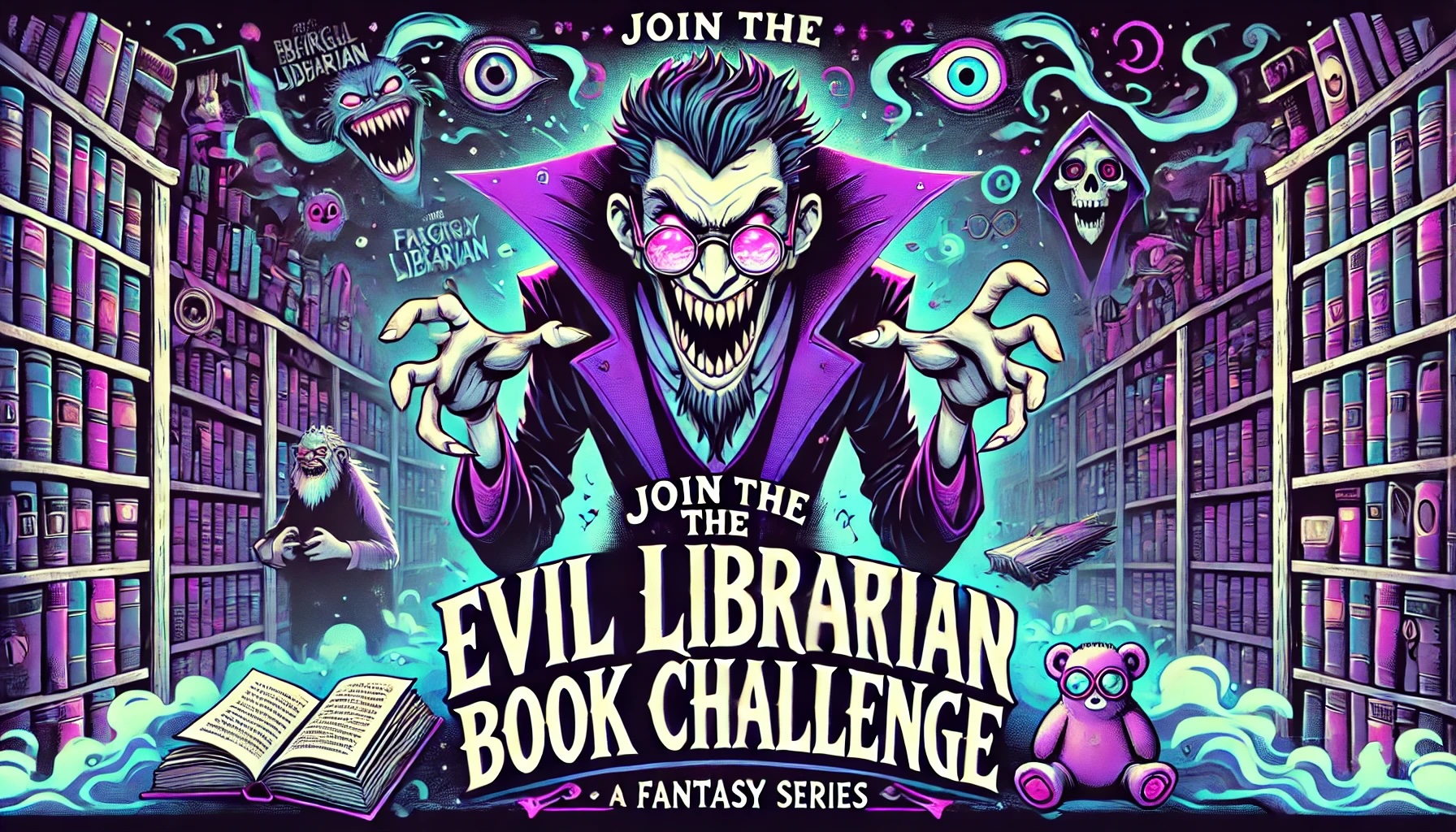
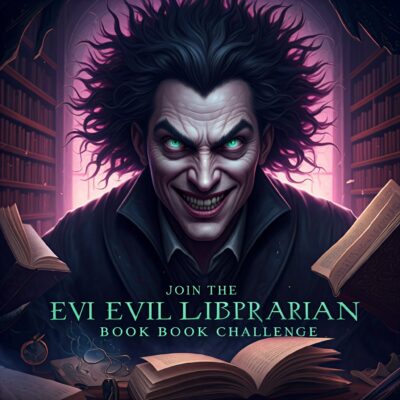
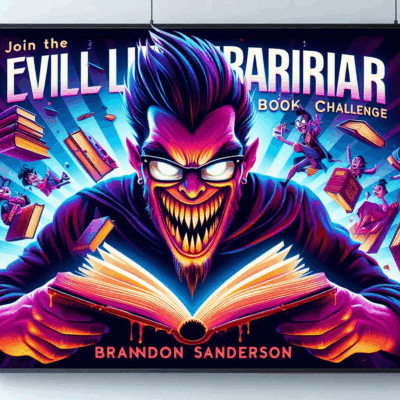
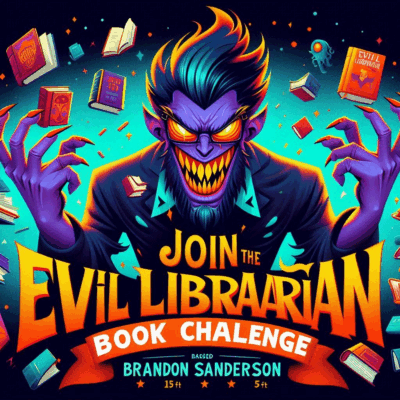
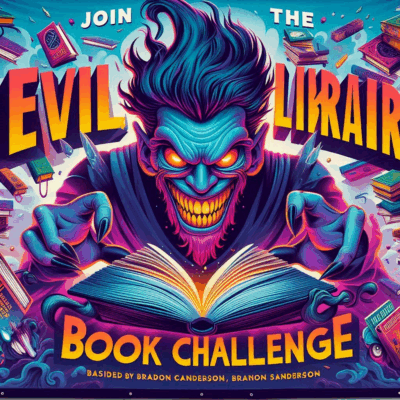
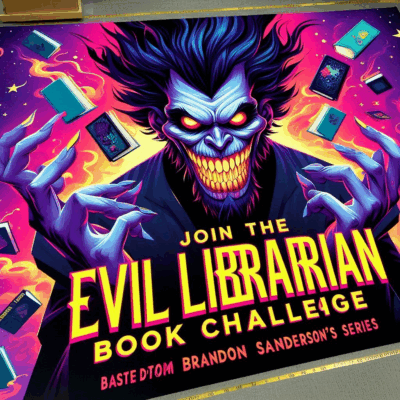
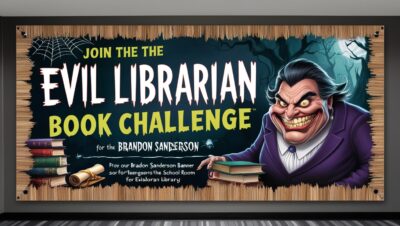
While the book describes the final image we selected, behind the scenes I actually tested a variety of designs from different AI models. Each tool interpreted the same prompt in its own way, producing unique results with different styles, tones, and levels of detail.
Below you’ll see some of the alternate images that were generated. Comparing them side by side made it clear how much the choice of model and prompt refinement can shape the outcome. It also gave us a chance to talk with students about creativity, bias, and decision-making when using AI tools.
The Chosen Image
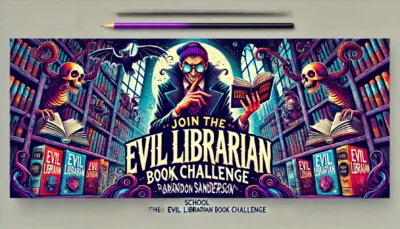
In the end, we chose this image that best balanced humor, creepiness, and clarity, making it both eye-catching for students and practical for printing at a large scale
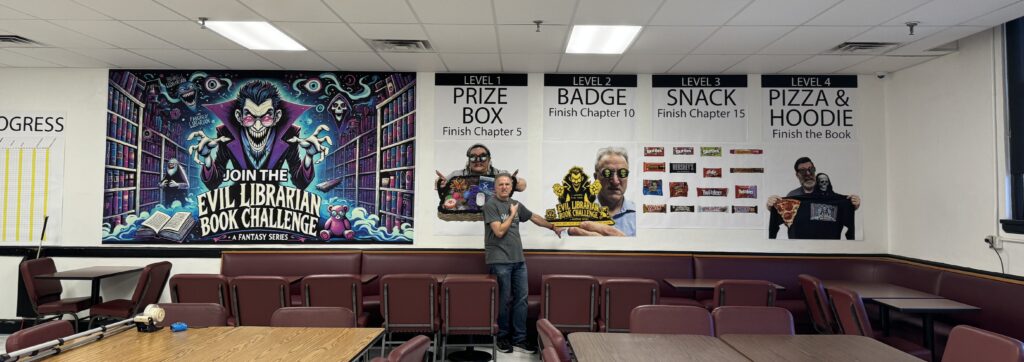
Here’s how it looked on our cafeteria wall:
Laser Cut Badges
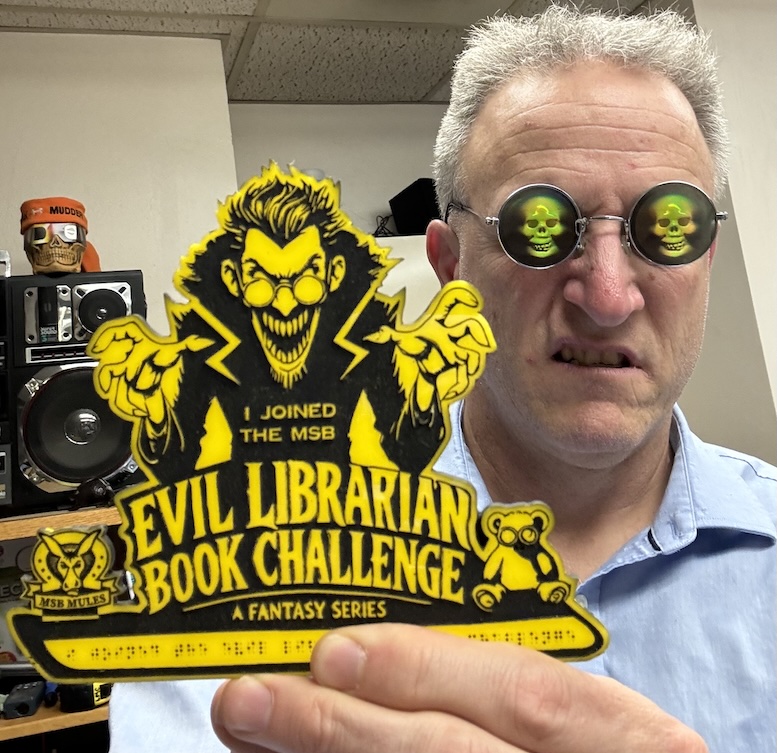
The prize for reaching Chapter 10 was earning a custom laser-cut “Evil Librarian Book Challenge” badge. The design became a student favorite, and it also tied directly into our school’s Work Experience program, where a few students learned how to use the Glowforge laser printer to help create the badges. This added a hands-on, real-world skill component to the challenge that went beyond just reading. Because of the close relationships I have with our students, my “scary” appearance only made the experience more meaningful since they knew it was all in fun and not scary at all.
Listen to the Voice Teaser
CLICK HERE to hear the short audio recording that introduced the event. This teaser gave students goosebumps and sparked excitement for the challenge.
Key Moments from the Event
-
AI Ethics. Choosing and refining the banner prompt opened the door to talk about AI art and how creative work is credited.
-
Collaboration. Ms. Kasandra and I worked side by side with staff and students to design and launch the project.
-
Tech Support with AI. AI troubleshooting with Illustrator showed how these tools can solve real-world challenges on the spot.
-
Voice Magic. Advanced Voice Mode created a chilling teaser with whispers and sound effects that left students in awe.
-
Schoolwide Buzz. Teachers and students talked about the challenge for weeks, and some returned to the library with new AI questions.
What We Learned
The “Evil Librarian” project showed how one event can combine fun, literacy, and AI literacy all at once. By blending creativity with careful planning, we:
-
Built strong relationships around reading.
-
Showed students how AI can be both practical and playful.
-
Sparked curiosity among staff, planting seeds for professional development.